Turn every café visit into a collectible vintage stamp.
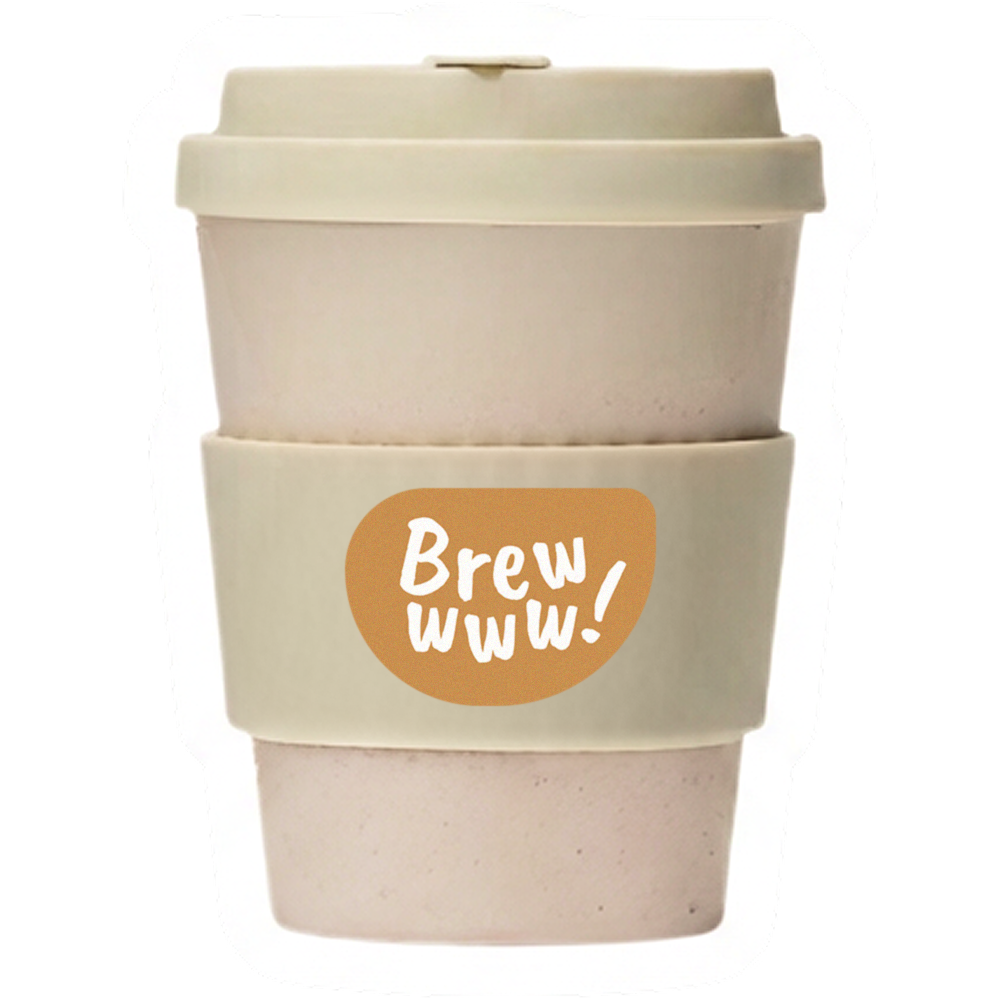
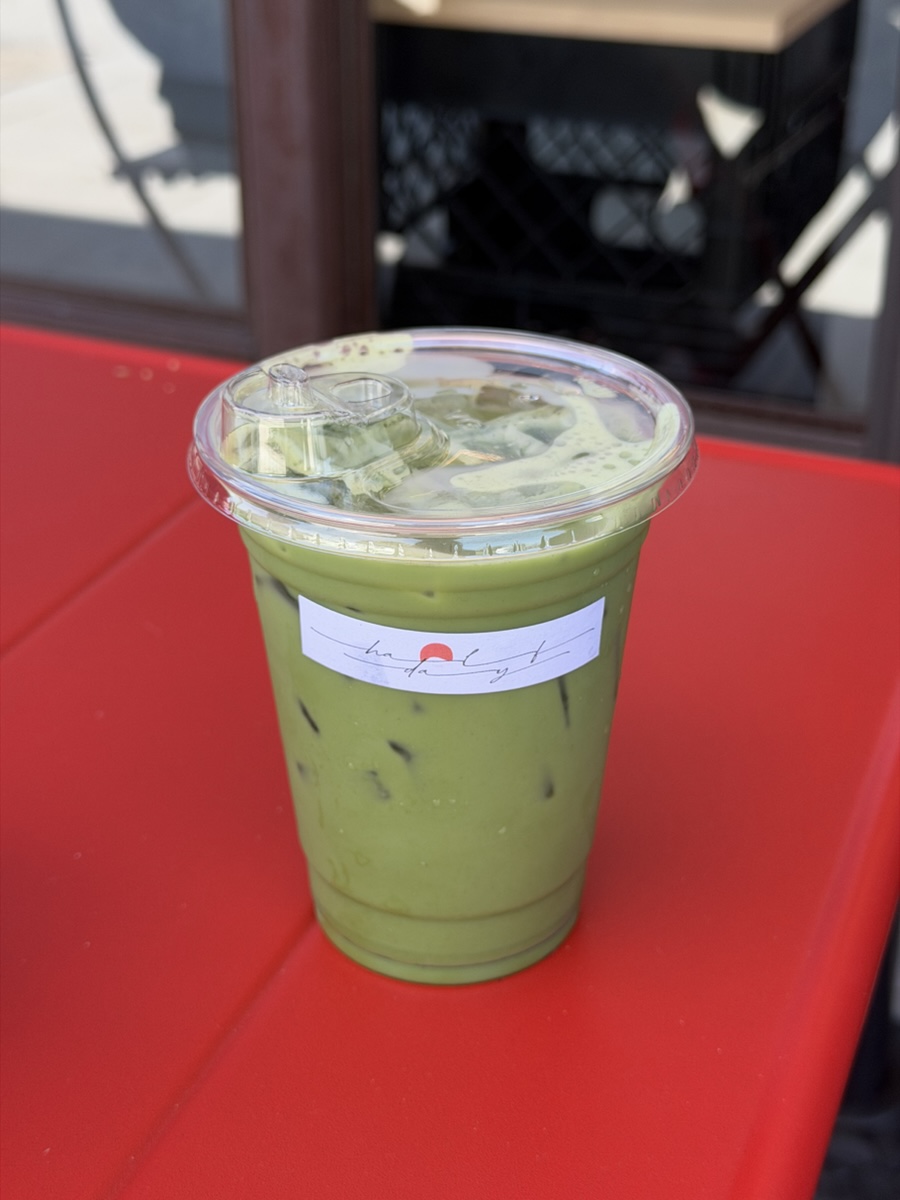
Start with a photo. Brewwww! cuts out your drink, fills in the date and time, and suggests the café and city.
Let’s log your brew!


Swipe up to pick a color.
Click to add a note about your day.
Live Photos work here, too.
Scroll to open
Some cups are part of your routine. Others come with a new place, a new challenge, or something to celebrate. Collect a stamp to remember them by.
Time Stamp
Log a drink to create a Time Stamp with the café, city, and date. A simple way to look back on what you drank and where.
Brewwww! Stamp
Collect original stamps drawn by hand as you reach milestones, take on challenges, and join special events. Look out for limited editions throughout the year.
Partner Shop Stamp
Visit a partner café and log your drink to collect its stamp. Each design is unique to the shop.
Stamps for every moment.
The drinks you tried, the places you found, and the memories you made.
All in your collection.
Sipped on Earth.
See the cafés you’ve visited and what you drank at each one.
Find Brewwww! partner cafés on the same map. Your next favorite might be just around the corner.
Frequently Asked Questions.
How do I sync my records to a new device?
In the iOS app, go to Calendar → Settings (top-left) → Brewport and turn on iCloud syncing.
Let syncing finish before switching devices. Unsynced records cannot be restored through iCloud.
Account registration and sign-in are still in development.
How do I add a brew?
Tap + at the far right of the app’s bottom navigation bar, or tap a date number on Calendar. Both open Add Brew.
Is there a daily limit on Time Stamps?
No. Every drink you log earns one Time Stamp, with no daily or per-shop limit.
How do I change an entry’s date and time?
The app uses your photo’s original capture time.
To change it, tap the date row with the calendar icon directly below the photo on Add Brew or Edit Brew.
How do I add a custom shop or record a homemade drink?
Go to Calendar → Settings (top-left) → General → Shop Setup → Add Shop.
Or, in Add Brew: tap Shop name below the date, then + to the right of Your Shop.
For homemade drinks, enter “Homemade” as the Shop Nickname and add a City Name.
How do I save a photo to Momento?
In Add Brew, turn on the Polaroid button at the bottom-left of the photo before saving.
This cannot be enabled when editing. If you missed it, delete the entry and upload it again with the button turned on.
How do I add a drink to Monthly FAV?
Add Brew / Edit Brew: tap the star to the right of the drink name.
Calendar → This Month: tap the star at the top-right of a drink card.
A highlighted star means it’s in Monthly FAV.
How do I change my Time Stamp style?
Go to Calendar → Settings (top-left) → Appearance. Choose a preview in the stamp styles section at the top.
Why haven’t I received a shop stamp?
Your entry’s shop name and city must match the partner shop’s listing.
Check it in Stamps → Stampdex → Partner Shops.
For the love of a good brew,
and everything around it.
Run a café? We’d love to have you.
Explore our Partner Shop Stamp program.